
Buncombe County Arrest Log Sources
The Buncombe Sheriff posts no 72-hour list. No weekly blotter exists either. Instead, the sheriff's navigation offers a detainee search, detention information, dashboards, contacts, and public-record requests. There is no calendar archive or fixed photo rule. That gap shapes every multi-day search. A commercial county page is not the Sheriff's arrest log, whatever its label claims.
Start with official records. Check the county detainee catalog for present custody, note which agency made the arrest, and request a bounded period from that office. Asheville keeps city arrest data and online reports. Black Mountain and Woodfin use separate records paths. Court summaries track what followed the filing, and the Buncombe Clerk handles official court records.
Build a Buncombe Arrest Timeline
Building a multi-day timeline works backward from a known date range. That differs from the 24 Hour Arrests check. It targets fresh events and fast-moving custody. Keep every source's date label. Never merge an arrest date, a jail booking, or a web posting into one event. The same rule covers a release and a court disposition.
- Set the exact start and end dates. Add the person’s name, arresting agency, case number, or booking number when known.
- Check the official county detainee catalog for current or recent custody.
- For an Asheville event, use the official APD reports service and its daily-updated arrests dataset.
- Submit a date-bounded request through the Sheriff public-records portal when the web view does not cover the period.
- Use NC eCourts for a public case summary, then confirm judgments or dispositions with the Buncombe Clerk.
The official Sheriff navigation shows the available county routes without presenting a rolling blotter.

Detainee search and records requests replace the promised feed.
Buncombe Arrest Log Fields
Field names vary by agency and source. Official systems may display only part of the list below. Keep the exact date label. Never infer a photo, custody state, or final outcome the source omits. Two people can share a name. Compare at least one other identifier.
| Field | Use and limit |
|---|---|
| Name or record ID | Helps match the record; a name by itself is not enough. |
| Arrest or booking date | May describe different stages and must retain its label. |
| Arresting agency | Points to the office holding the underlying report. |
| Charge and statute | Records an charge as booked, not guilt. |
| Bond or court date | Can change after judicial review. |
| Facility or release reason | May explain roster movement but needs live verification. |
The official Asheville Police reports page allows searches by case number, date, or location. Downloadable reports appear where available.
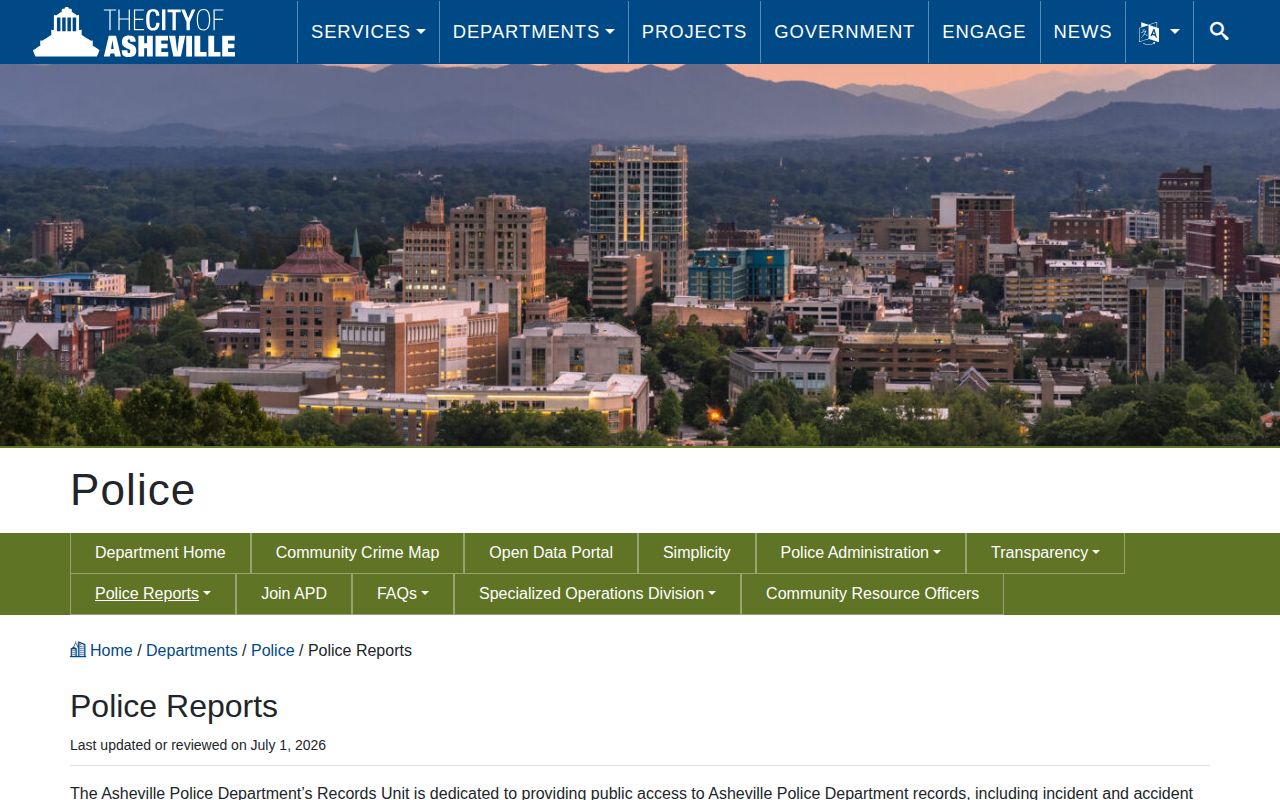
It is one agency's route, not a countywide custody list.
Buncombe Weekend Arrest Records
The Buncombe detention facility books and releases people around the clock under judicial instruction. Administrative records desks keep business hours. No county catalog, city dataset, request portal, or court portal promises matching weekend update cycles. Every weekend arrest won't land on Monday. Promising a fixed posting time would be wrong.
Note your retrieval time. Check again while processing may still be underway. A person can be arrested, booked, bonded out, or transferred within a single weekend. Those changes make a current roster look different from an agency report. The county arrest and roster overview helps route a named-person check across custody and court systems.
Secondary Buncombe Arrest Archives
Turn to third-party services only after official sources. RecentlyBooked calls its Buncombe page a 30-day view refreshed more than once daily. That is a publisher's claim, not a county guarantee. Arrests.org offers daily and historical navigation. Mugshots.com keeps a broad archive. Other aggregators post recent entries, though Buncombe County controls none of their sourcing, completeness, or retention. The RecentlyBooked Buncombe page serves as a secondary stand-in for the missing official multi-day blotter.
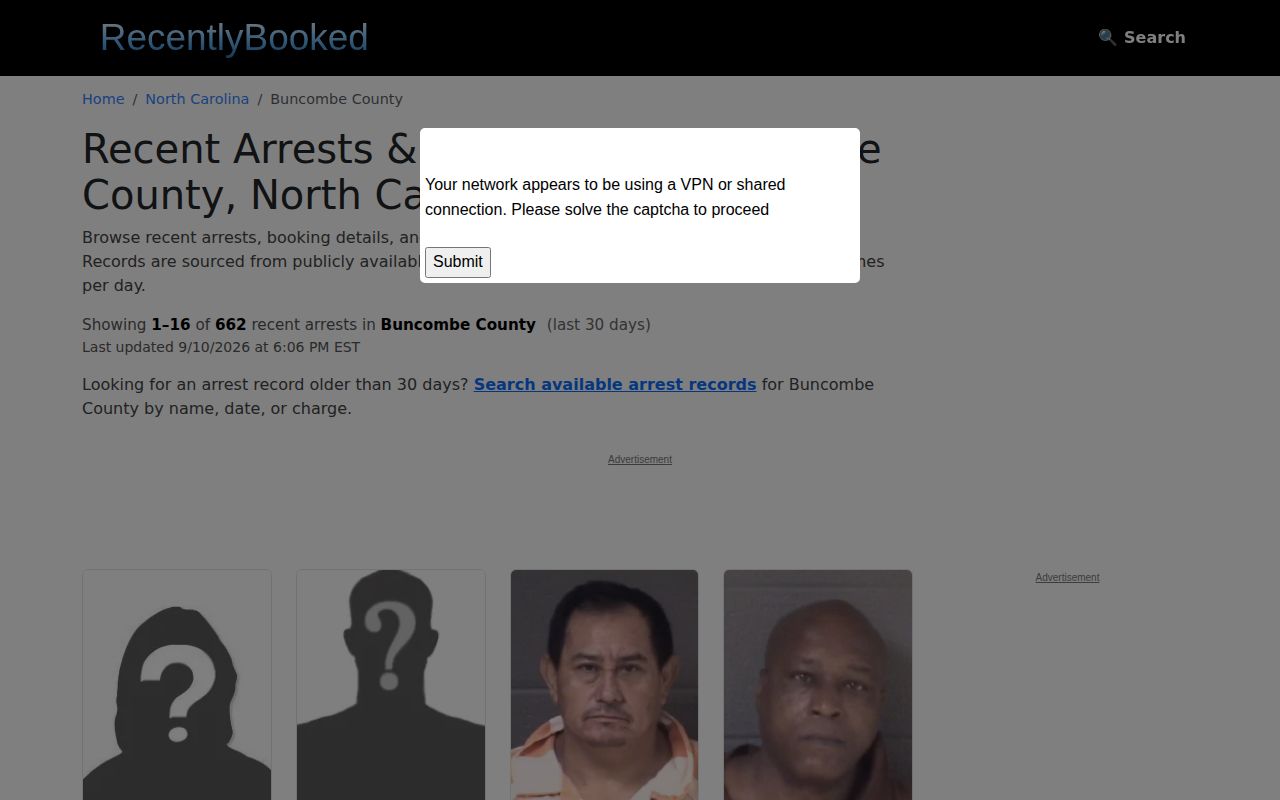
That page shows only a claimed window. It is not an official roster, and recent never means currently in custody.
Local news is selective too. WLOS and 828 News NOW publish arrest stories based on news value, not any complete daily sequence. A story can add useful context. Its photo cannot prove present custody or the final outcome. Confirm both through the responsible agency and the court.
Buncombe Arrest Archive Requests
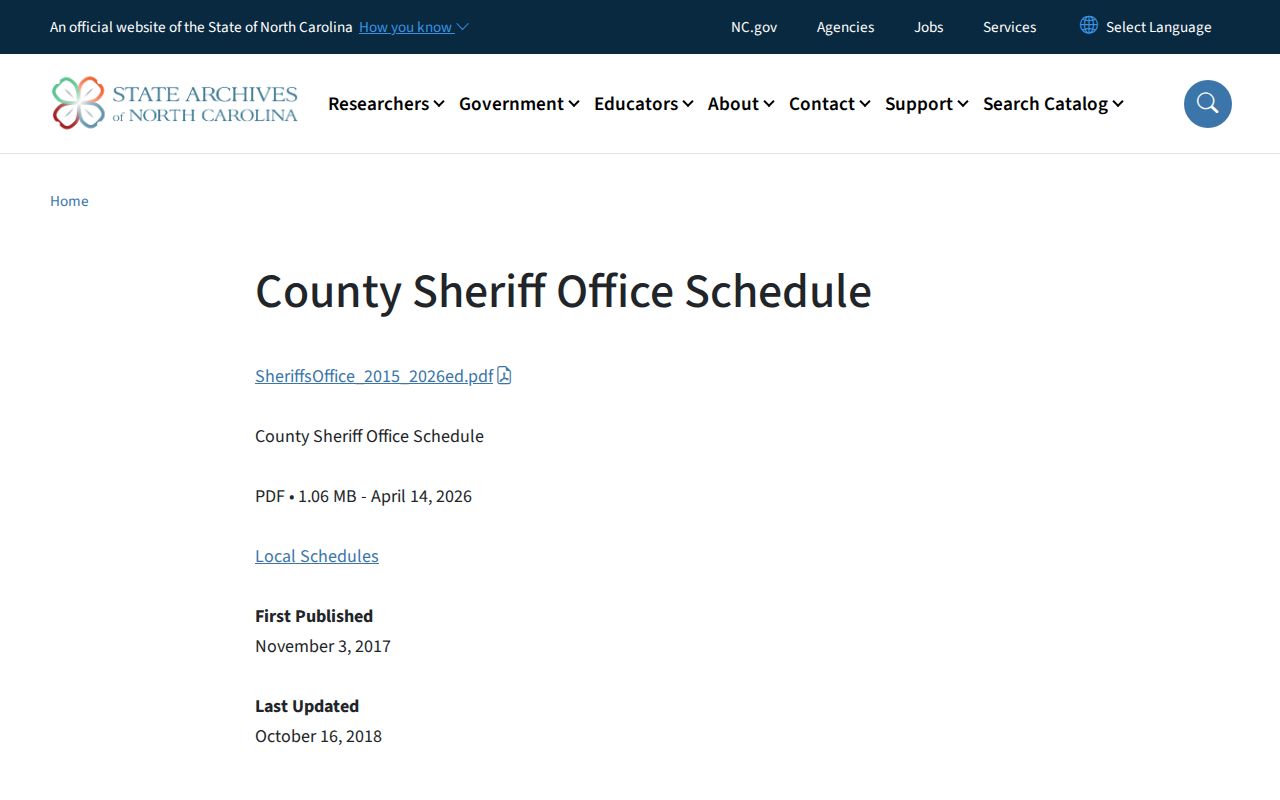
Online page depth is not the same as government retention. North Carolina’s State Archives sheriff schedule governs how agencies manage categories of records. It does not promise that a public roster remains visible for that same period, and it is not a searchable Buncombe arrest database. A record may remain in agency files after leaving the public catalog. A commercial copy may also persist after the official page changes.
The official sheriff records schedule identifies the retention framework.
The county keeps records, not a standing archive. Name one defined item instead. Think of a booking sheet, an arrest report, or a release record. Add dates and the arresting agency. Sheriff records answer at (828) 250-4456. The Bureau of Identification sits at 52 Coxe Avenue and takes local record calls at (828) 250-4665. The office posts no fixed fee or response time for booking photos.
A multi-day request needs a start date. It also needs an end date, the agency, and the record type. Spell any name the way the agency does. Add a case number if you have one. Ask the office to flag anything withheld or unavailable rather than assuming the whole period is missing. North Carolina public-records law opens existing material to you. It does not force an office to build a custom arrest log it never kept.
The Clerk of Court holds the rest of the story. An agency entry marks the start of a case. The Clerk's file records what happened after the arrest. A plea, dismissal, acquittal, correction, or expunction can change an old entry, so keep both dates and check the court before relying on any archived charge.
Save the agency's response. Note the date range it actually searched. If only part of the period comes back, label the gap instead of calling the result complete. A later court search should reuse the same name and case identifier, with room for amended charges. That paper trail beats a commercial page that groups records by its own upload date.
Booking photographs deserve the same care. A mugshot can be an agency record yet never appear in a public log. It shows an arrest, not current custody or the final charge. Ask the record holder about lawful access and corrections. A portrait gallery has no place in a serious multi-day arrest search.
Search Public Records
Sponsored Results